Google Sheets wins when you want the same evidence a serious operator would demand: rows you can inspect, formulas you can challenge, and categories you define. Google Sheets vs budgeting apps is not a beauty contest between interfaces. It is a choice between keeping raw transactions under your control or accepting a vendor’s guesses about what each charge “means.” That distinction matters because mislabeled merchants, split purchases, and recurring charges that change names quietly distort totals. When you can trace every dollar to a source row, you can fix errors and stress test assumptions. When you only see polished summaries, you can feel on track while the underlying math drifts. This article explains what each path gives you, where they diverge, who should pick which, and how to decide without romanticizing either side.
Quick Answer
Choose Google Sheets (fed with real bank data) if you want auditability, custom logic, and charts that match how you think about burn rate, subscriptions, and savings.
Choose a budgeting app if you want guided workflows, built in guardrails, and a product that tries to reduce cognitive load even when that means hiding messy detail.
What Is Google Sheets (for Personal Finance)
Google Sheets is a spreadsheet environment where you store values in cells, relate them with formulas, and build views from your own rules. For money, it works best when the sheet holds transaction level data (date, amount, merchant, account) rather than only monthly rollups. The key difference is ownership: the model lives in a file you can copy, version, and extend.
What Is a Budgeting App
A budgeting app is software that ingests accounts, assigns categories, sets targets, and surfaces alerts and reports inside a closed product experience. It works by applying rules, machine suggestions, and user corrections on top of imported transactions. The key difference is packaging: speed and guidance trade off against how much of the underlying ledger you can see and manipulate.
Key Differences
Data shape. Sheets reward line item fidelity. Apps reward consistent buckets, even when real life is messier than a bucket allows.
Truth versus convenience. When the goal is a fast monthly snapshot, app summaries help. When the goal is to explain a surprise balance change, raw rows help more.
Maintenance. Sheets ask you to govern structure yourself or use templates as a starting point. Apps ask you to trust recurring categorization and occasionally fix exceptions.
Flexibility. Sheets let you model scenarios (what if rent rises, what if income is lumpy) with explicit assumptions. Apps often steer you toward predefined budgeting frames.
Failure mode. A bad formula in a sheet is visible once you look. A bad guess inside an app can look “fine” until you reconcile against reality.
Side-by-Side Comparison
| Approach | Pros | Cons | Best For |
|---|---|---|---|
| Google Sheets + bank data | Full transparency, custom metrics, portable files | You design upkeep and quality checks | Analysts, builders, detail owners |
| Mainstream budgeting apps | Fast setup, guided habits, mobile workflows | Less raw access, vendor defined views | People who want structure first |
| Manual CSV exports | No new subscriptions, full raw files | Slow, brittle, easy to abandon | Rare, one off deep dives |
| App plus occasional export | Combines guidance with partial raw access | Two systems, sync gaps, cleanup work | Transitional users testing rigor |
Which Should You Choose
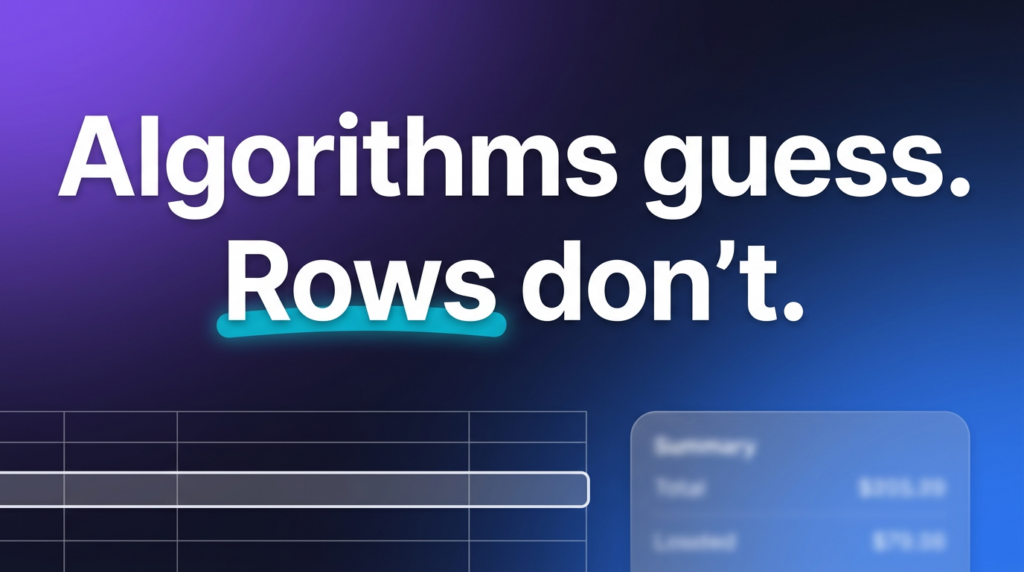
If your frustration sounds like “the category is wrong but I cannot see why,” you are bumping into the limit of algorithmic guessing. That is the moment Sheets start to pull ahead, not because formulas are magical, but because they are inspectable.
If your frustration sounds like “I know what to do, I just will not do it without nudges,” an app may still be the better coach, even if it is not the better ledger.
Here is the thing most intermediate users miss: you are not choosing a moral identity. You are choosing where you want uncertainty to live. In a sheet, uncertainty is visible in messy merchants and missing tags. In an app, uncertainty can hide behind a clean donut chart.
Experts generally agree that personal finance behavior benefits from systems people will actually maintain. Data shows that tools abandoned after three months deliver no insight. So the “right” choice is the one you will keep honest, whether that honesty comes from weekly reconciliation in a spreadsheet or disciplined use of an app you trust.
Frequently Asked Questions
Q: Is Google Sheets a replacement for a budget?
A: It can be, if you encode your plan as targets, running balances, and review habits. Supporting detail: many people use Sheets as the ledger and keep a simple monthly target alongside it. Optional clarification: the sheet is not the budget by itself, your rules are.
Q: Why do budgeting apps miscategorize spending?
A: Merchants reuse billing descriptors, subscriptions change names, and purchases split across categories. Supporting detail: models infer intent from text that was never written for humans parsing money. Optional clarification: small errors look harmless until they repeat for months.
Q: Does raw data automatically make me more accurate?
A: Only if you validate imports, handle transfers carefully, and reconcile to account balances sometimes. Supporting detail: raw data removes one class of opacity, but human mistakes still happen. Optional clarification: accuracy is a process, not a file format.
Q: What is the fastest way to get bank data into Sheets without monthly CSV chores?
A: Use an automatic sync path so rows arrive on a schedule you can audit. Supporting detail: automation reduces the “I will export later” failure mode that kills most DIY systems. Optional clarification: you still want spot checks, just fewer heroic marathons.
Q: Are budgeting apps bad for privacy?
A: They vary by vendor, permissions, and data retention. Supporting detail: any aggregator introduces a third party between you and your bank. Optional clarification: read terms, limit connections, and rotate access if you change tools.
Q: Can I combine an app and a spreadsheet?
A: Yes, if you accept duplicate maintenance or a narrow export workflow. Supporting detail: some people use an app for alerts and a sheet for deep analysis. Optional clarification: define which system is the source of truth to avoid arguing with yourself.
Q: When is algorithmic categorization “good enough”?
A: When your decisions are coarse (spend less dining out) and errors will not change the call. Supporting detail: coarse goals tolerate coarse labels. Optional clarification: the closer you get to optimizing cash timing and true burn rate, the more raw rows matter.
From Guessing to Knowing
Most people do not hate budgeting. They hate being told a story their gut does not believe. For people who need current bank data in a workspace they control, tools like automatic bank to spreadsheet sync can reduce drag by removing the monthly export ritual. ZentroData (www.zentrodata.com) connects your bank accounts directly to Google Sheets so your financial data is always current and organized without manual entry. If you are looking to stop reconciling fiction and start working from facts, www.zentrodata.com pulls your real bank data directly into Google Sheets so you always have an accurate, up to date picture without the manual work.