If you’re searching for Tiller Money vs alternatives, you’ve probably already figured out the basic truth: generic budgeting apps don’t cut it. You want your bank data in a spreadsheet where you can actually analyze it.
Tiller Money has been the go-to solution for years. It works. But it’s not the only option anymore.
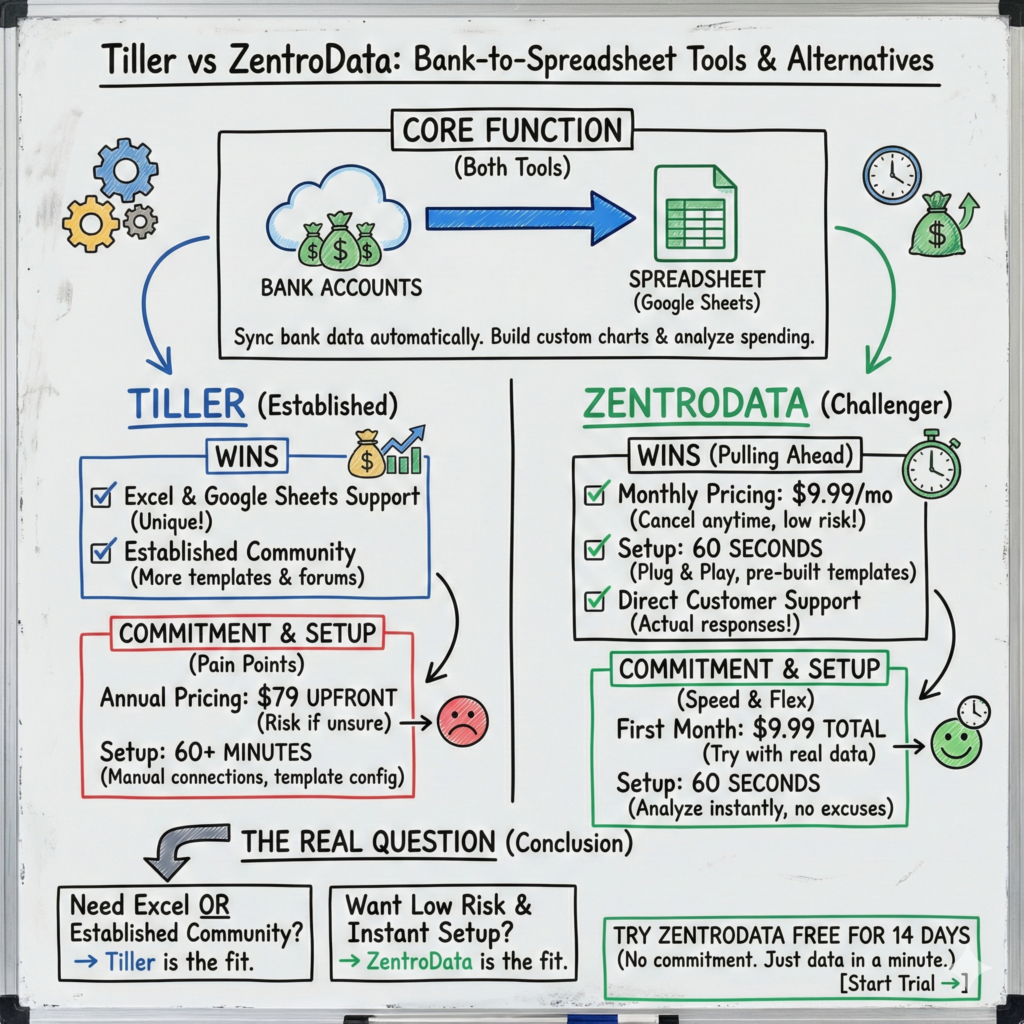
ZentroData does the same core thing (syncs your bank data to Google Sheets) with two key differences: monthly pricing instead of annual, and setup that takes 60 seconds instead of 60 minutes.
Let’s break it down.
Table of Contents
What Both Tools Do
Both Tiller Money and ZentroData solve the same problem: getting your bank transactions into a spreadsheet automatically.
No more logging into your bank, exporting CSVs, cleaning up messy data, and hoping you remember to do it again next month. Both tools connect to your accounts and sync transactions to Google Sheets so you can build custom charts, track your burn rate, and see where your money actually goes.
If you’ve been manually exporting CSVs, you know how unsustainable that is. These tools make it automatic.
Where Tiller Money vs ZentroData Wins
Let’s be fair. Tiller has some genuine advantages.
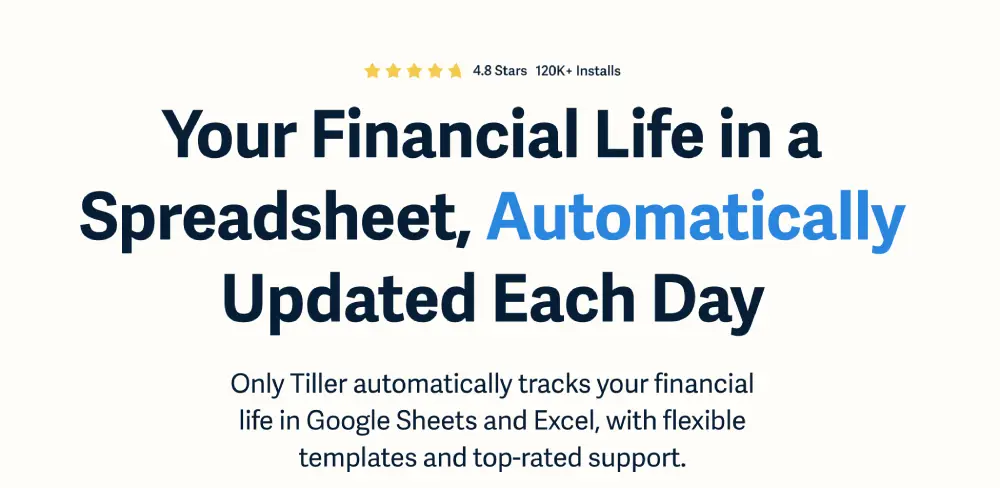
Excel support. Tiller connects to both Google Sheets and Excel. ZentroData is Google Sheets only. If Excel is your thing, Tiller is your only option here.
Established community. Tiller has been around longer and has built a community of users sharing templates and tips. If you want to browse forums for inspiration, Tiller has more of that.
Where ZentroData vs Tiller Wins
Here’s where ZentroData pulls ahead for most people searching for Tiller alternatives.
Monthly Pricing (No Annual Lock-In)
Tiller requires $79 upfront for a full year. That’s fine if you’re certain you’ll stick with it. But what if you’re not sure yet?
ZentroData is $9.99/month. Cancel anytime.
That means you can try it for a month or two with your real data, see if it actually changes your behavior, and decide from there. No $79 bet on yourself.
The math: your first month with ZentroData costs $9.99. Your first month with Tiller costs $79.
Setup in 60 Seconds (Not 60 Minutes)
This is the big one.
Tiller’s setup process involves manually connecting each account, configuring templates to work the way you want, and learning how their system organizes data. Users regularly report spending an hour or more getting everything working.
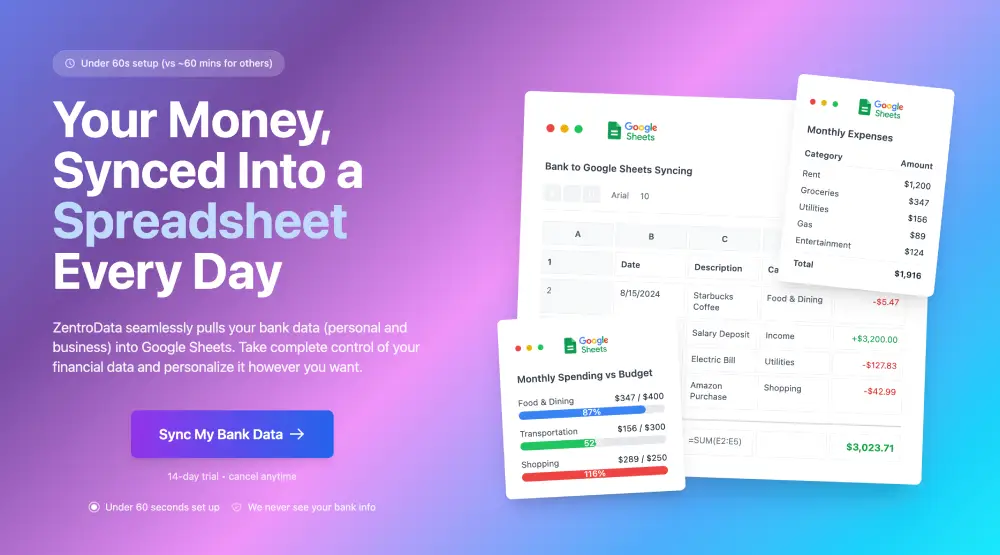
ZentroData is plug and play. Connect your accounts, and your data flows into a pre-built Google Sheet with starter templates (burn rate chart, subscription tracker, spending breakdown) already configured. Sixty seconds, and you’re looking at your actual data.
Here’s the thing: the best financial tool is the one you actually use. If setup takes an hour, a lot of people never finish. If setup takes a minute, you’re analyzing your spending before you can talk yourself out of it.
Customer Support That Actually Responds
Tiller has community forums. ZentroData has direct customer support that responds to every question.
When you’re trying to figure out why a transaction categorized wrong or how to build a custom chart, the difference between “post in a forum and hope someone answers” and “ask support and get a response” is real.
The Real Question
Both tools get your bank data into Google Sheets. Both let you build custom analysis. Both are better than manual CSV exports.
The question is: do you want to commit $79 upfront and spend an hour on setup? Or do you want to pay $9.99 for your first month and be looking at your data in 60 seconds?
If you’re not 100% sure this is for you yet, ZentroData’s monthly pricing and instant setup removes the risk. Try it, see your real spending, decide if it’s valuable.
If you need Excel support or want access to Tiller’s established template community, Tiller is the better fit.
Try ZentroData Free for 14 Days
Still not sure? ZentroData offers a 14-day free trial. Connect your accounts, see your data in Google Sheets, and decide if it’s worth $9.99/month.
No annual commitment. No hour-long setup. Just your data, in your spreadsheet, in about a minute.