YNAB vs ZentroData is not really a comparison between two budgeting tools. It is a comparison between two fundamentally different philosophies about what personal finance software should do. YNAB tells you how to manage your money using a specific methodology and enforces that methodology through its interface. ZentroData with Google Sheets gives you a blank canvas and as much flexibility as you are willing to use. Neither is universally better. But for serious budgeters who have outgrown generic app-based tools, one of them has a ceiling and the other does not.
Understanding which one is right for you comes down to a single question: do you want a proven system to follow, or do you want direct access to your own financial data to build the system yourself?
Quick Answer
Choose YNAB if you want a structured, methodology-driven approach to budgeting that tells you exactly where every dollar should go and holds you accountable to that plan. The system works if you work it, and for people who need that structure, nothing else matches it.
Choose Google Sheets with ZentroData if you have already internalized budgeting fundamentals and want to move beyond them into genuine financial analysis. Real burn rate tracking. Custom category logic. Month-over-month trend analysis built around how you actually think about your money, not how a product designer thought about it.
What Is YNAB
YNAB (You Need a Budget) is a zero-based budgeting app built around one core principle: give every dollar a job before you spend it. Every dollar of income gets assigned to a category, a budget, or savings before any spending happens. The method is proactive rather than reactive, which is the sharpest distinction between YNAB and every tracking-first tool like Mint.
YNAB connects to your bank accounts, imports transactions, and requires you to categorize and approve them within its system. The methodology is sound and well-documented. Studies and user reports consistently show that people who commit to YNAB’s approach spend less and save more in the months after they start.
The cost is real engagement. YNAB requires regular interaction, often daily or several times a week. It is not a passive tracking tool. It is an active financial management system. At $14.99 per month (or $99 per year, details at ynab.com/pricing), it is also the most expensive app in this category by a significant margin.
What Is Google Sheets for Personal Finance
Google Sheets is a spreadsheet application. It has no native personal finance features. What it has is complete flexibility: any formula, any chart, any structure you want to build.
For personal finance, that flexibility is either the point or the problem depending on who is using it. The reason Google Sheets has become a serious personal finance tool for analytically-minded users is not that it is easy. It is that it is honest. The data is yours, the analysis is yours, and the questions you can ask of your own financial history are limited only by what you are willing to build.
The traditional limitation of Google Sheets for personal finance has been data access. Getting bank transaction data into a spreadsheet reliably, consistently, and without a monthly CSV download ritual was the friction point that kept most people on app-based tools longer than they should have stayed.
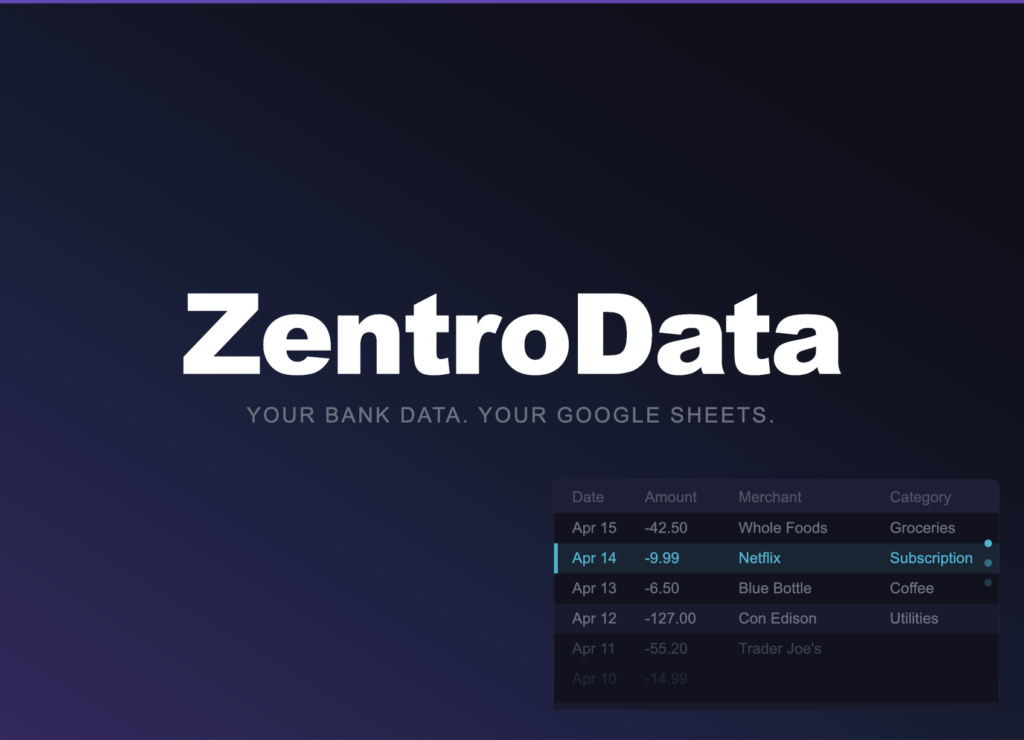
ZentroData eliminates that friction entirely. It connects directly to your bank accounts and syncs your transaction data automatically into your own Google Sheets on a schedule you set. Every transaction lands as a clean structured row with the date, amount, merchant, description, category, bank, and account. Syncs run in the background daily without any input from you. The result is a live, current dataset in a spreadsheet you own and control, ready for whatever analysis you want to build on top of it.
That combination, Google Sheets’ flexibility plus ZentroData’s automated data pipeline, is what makes the comparison with YNAB genuinely interesting for serious budgeters. It is no longer a comparison between a polished tool and a manual workaround. It is a comparison between two legitimate approaches with meaningfully different strengths.
Key Differences: YNAB vs Google Sheets
Data Ownership
YNAB: Your transaction history lives inside YNAB’s system. You can export data, but the export is formatted for YNAB’s own structure and requires cleanup before it is useful elsewhere. If you stop using YNAB, rebuilding your financial history in another format takes real effort.
Google Sheets with ZentroData: Your data lives in your Google Drive, in your Google account, under your control. ZentroData writes to your sheet and stores nothing in its own database. If you stop using ZentroData tomorrow, every row of transaction data you have ever synced is still yours, fully accessible, in a standard spreadsheet format.
For serious long-term personal finance analysis, data ownership is not a minor consideration. It is the foundation everything else depends on.
Flexibility and Custom Analysis
YNAB: The analysis you can do is the analysis YNAB was built to support. Budget vs. actual comparisons, category spending summaries, net worth tracking. These are genuinely useful reports. They are also fixed. You cannot build a custom burn rate chart, write a formula that calculates your savings rate across a specific 90-day period, or create a subscription audit that surfaces every recurring charge above a threshold you set.
Google Sheets with ZentroData: The analysis is whatever you build. SUMIF formulas that total spending by category across any time period. AVERAGEIF calculations that show what a normal month looks like versus an outlier. Custom charts that surface the patterns you actually care about, built around how you think about your finances rather than how an app designer thought about them. The starter templates ZentroData includes for burn rate, subscription tracking, and spending breakdowns give you a working foundation immediately. Everything beyond that is yours to build.
Methodology and Structure
YNAB: The methodology is the product. Zero-based budgeting is a specific, proven approach and YNAB implements it well. For people who need structure and accountability, this is a genuine advantage. The system tells you what to do, and doing it produces results.
Google Sheets with ZentroData: There is no imposed methodology. You bring your own framework and the spreadsheet reflects it. This is a strength for people who have already developed their own approach to personal finance. It is a potential weakness for people who are still building that foundation and need guardrails.
Maintenance Burden
YNAB: Regular engagement is required by design. The methodology only works if you actively participate in categorizing transactions and adjusting budgets. For users who want a passive system, this becomes friction fast.
Google Sheets with ZentroData: Once your bank connection is established and your sync schedule is set, the data maintenance is fully automated. ZentroData handles the data pipeline. You engage with the spreadsheet when you want to, not because the system demands it.
Cost
YNAB runs $14.99 per month or $99 per year. ZentroData is $9.99 per month with a 14-day free trial. Google Sheets is free. The ZentroData plus Google Sheets combination costs meaningfully less than YNAB while delivering significantly more flexibility and complete data ownership for the right user.
Side-by-Side Comparison
| Category | YNAB | Google Sheets + ZentroData |
|---|---|---|
| Data ownership | Limited | Complete |
| Custom analysis | Fixed reports only | Unlimited |
| Methodology | Zero-based budgeting built in | You bring your own |
| Automation | Yes | Yes, via ZentroData |
| Maintenance required | High (by design) | Low |
| Learning curve | Moderate (YNAB method) | Moderate (spreadsheet skills) |
| Cost | $14.99/month | $9.99/month + free Sheets |
| Best for | Structure-driven beginners to intermediate | Analytically-minded, data-driven users |
Which Should You Choose
Choose YNAB if you are still building your financial discipline and benefit from a system that tells you exactly what to do. If zero-based budgeting is new to you and the methodology resonates, YNAB is the most polished implementation of it available. The structure is the value. Commit to it and the results follow.
Choose Google Sheets with ZentroData if you have already internalized why budgeting matters and are ready to move beyond category summaries into genuine financial analysis. If you have ever felt constrained by what a budgeting app would show you, if you have ever wanted to ask a question about your finances that the dashboard could not answer, if you think in systems and want your data in a format you can actually work with: Google Sheets with ZentroData is not just a better option. It is a different category of tool entirely.
The users who get the most out of ZentroData are the ones who have outgrown every app they have tried, not because the apps were bad, but because they were built for someone with simpler needs. Once your data is in a spreadsheet you own, with a pipeline keeping it current automatically, the analysis you can do with it has no ceiling.
Frequently Asked Questions About YNAB vs Google Sheets
Q: Can YNAB and Google Sheets be used together? A: Technically yes. YNAB allows CSV exports that can be imported into Google Sheets manually. In practice this creates a secondary manual workflow that most people do not maintain consistently. For users who want Google Sheets as their primary analysis environment, connecting directly to their bank via ZentroData produces cleaner, more current data without the export step.
Q: Is YNAB worth the cost for serious budgeters? A: For users who genuinely commit to the zero-based budgeting methodology, YNAB earns its cost through behavior change. Research suggests that new YNAB users save significantly in their first months of use. For users who have already developed strong financial habits and want analysis rather than methodology, the cost is harder to justify against what ZentroData plus Google Sheets delivers for less money with more flexibility.
Q: Do I need to know advanced spreadsheet skills to use Google Sheets for personal finance? A: Basic spreadsheet comfort is enough to get significant value. ZentroData’s starter templates for burn rate, subscription tracking, and spending breakdowns work immediately after your first sync without any formula knowledge required. Building custom analysis beyond those templates benefits from knowing functions like SUMIF and AVERAGEIF, but neither is difficult to learn with the transaction data already in place to practice on.
Q: What happens to my data if I stop paying for YNAB or ZentroData? A: With YNAB, your data remains accessible in read-only mode for a period after cancellation, but your ongoing analysis pipeline stops. With ZentroData, every transaction row ever synced to your Google Sheet remains there permanently in your Google Drive. The data is yours regardless of your subscription status. You lose the automated syncing if you cancel, but you never lose what has already been written to your sheet.
Q: Which tool is better for tracking spending across multiple bank accounts? A: Both support multiple accounts. YNAB handles multi-account tracking within its own interface. ZentroData syncs transactions from all connected banks and accounts into the same Google Sheet, with a column identifying the bank and account for each row. For users who want to build custom cross-account analysis, the Google Sheets approach gives significantly more flexibility in how that data is used.
The Tool Should Match the User
YNAB is a well-built product that delivers genuine results for the right user. It is not the right tool for everyone, and it was never designed to be. The zero-based methodology is the product. If the methodology fits how you think about money, the tool fits.
For serious budgeters who have moved past methodology and into analysis, the combination of Google Sheets and ZentroData is the most powerful personal finance setup available without building something from scratch. The data is current, the analysis is unlimited, and everything you build belongs to you.
If you are at that stage, the best next step is seeing what your own numbers look like when you actually have access to them. ZentroData’s starter templates and automated sync make that visible faster than anything else in this category. You can learn more and start a free trial at zentrodata.com.