Mint alternatives fall into two categories: apps that replace Mint with a shinier interface, and tools that give you actual control over your financial data. Most people looking for Mint alternatives end up in the first category without realizing it. They switch from one closed system to another, get slightly better charts, and still have no direct access to the numbers driving those charts.
This post is for the second category. The people who are not looking for a prettier budgeting app. They are looking for real visibility: their own data, in a format they control, with the ability to build whatever analysis they actually need. Mint shutting down was frustrating for a lot of people. For a smaller group, it was clarifying. They realized the problem was never finding the right app. It was depending on any app at all for access to their own financial data.
Here is an honest look at the best Mint alternatives, rated on the criterion that actually matters for serious personal finance: do you own your data, or does the app?
Why Mint Alternatives Usually Disappoint
Most Mint alternatives are built around the same core model: you connect your bank, the app categorizes your transactions, and you get a dashboard someone else designed. The experience feels familiar because it is. It is Mint with a different color scheme.
The problem with this model is not the interface. It is what happens to your data. In a closed budgeting app, your transaction history lives inside that app. If the app shuts down, changes its pricing, or simply stops serving your needs, you start over. You cannot export a meaningful dataset. You cannot build custom analysis. You cannot use the data you generated by living your financial life.
The Mint alternatives that actually solve this problem are the ones that treat data ownership as a feature, not an afterthought.
The Best Mint Alternatives
1. ZentroData (Best for Google Sheets users who want full data ownership)
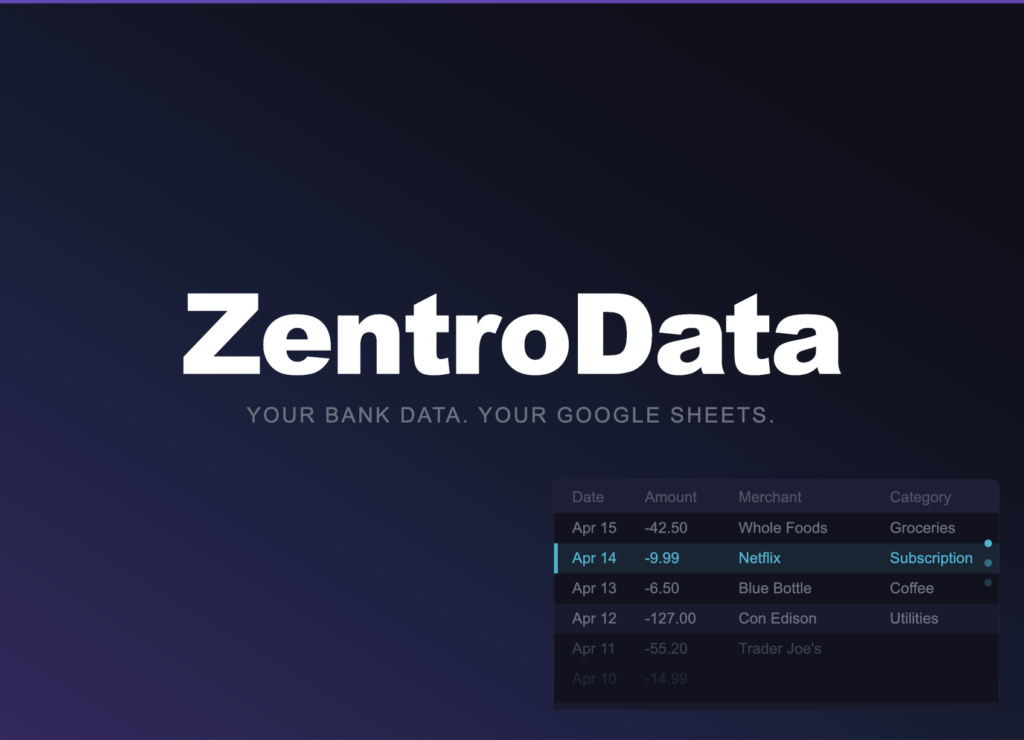
ZentroData takes a fundamentally different approach than every other option on this list. It is not a budgeting app. It does not have a dashboard, a spending summary, or a category system you have to work within. What it does is sync your bank transaction data automatically into your own Google Sheets, on a schedule you set, in a consistent structured format you can build on however you want.
The distinction matters. When your data is in Google Sheets, you own it completely. You can build a burn rate chart that matches how you think about your finances, not how a product designer thought about them. You can track subscriptions your way. You can write SUMIF formulas against three years of transaction history without asking anyone’s permission.
ZentroData includes starter templates for burn rate tracking, subscription detection, and spending breakdowns. These work immediately after your first sync and are fully editable. The templates are a floor, not a ceiling.
The trade-off is that ZentroData requires some spreadsheet comfort. If you want someone to build the analysis for you, this is not the right tool. If you want your data in a format where you can build it yourself, nothing else on this list comes close.
Data ownership: Complete. Your data lives in your Google Drive. Best for: Analytically-minded people who have outgrown app-based analysis and want direct access to their own numbers.
2. YNAB (Best for zero-based budgeting methodology)
YNAB (You Need a Budget) is the most serious budgeting app available and the most methodologically distinct from Mint. Where Mint tracked what you already spent, YNAB requires you to assign every dollar a job before you spend it. That discipline is genuinely effective for people who commit to it.
The data ownership story is mixed. YNAB offers a data export feature, so you can get your transaction history out. The export is functional but not particularly clean, and the methodology is so tightly integrated into the interface that the data is not especially useful outside of YNAB’s own system. You can leave, but rebuilding your analysis elsewhere takes real effort.
Data ownership: Partial. Export exists but data is optimized for YNAB’s own system. Best for: People who want a proven methodology and are willing to commit to the YNAB approach fully.
3. Copilot (Best native app experience for Mac and iOS users)
Copilot is the best-designed budgeting app in the Mint replacement category, particularly for users in the Apple ecosystem. The interface is clean, transaction categorization is accurate, and the app learns your spending patterns over time. For people who want something that simply works without configuration, Copilot is the strongest option.
The data ownership limitation is the same as most apps in this category. Your data lives in Copilot’s system. Export functionality exists but the exported data requires cleanup before it is useful for any analysis outside the app. The experience is excellent as long as Copilot remains the right tool for you.
Data ownership: Limited. Data is accessible but optimized for Copilot’s interface. Best for: Apple users who want a polished, low-friction replacement for Mint’s core experience.
4. Monarch Money (Best for households tracking finances together)
Monarch Money is built around collaborative financial management, making it the strongest option for couples or households where more than one person needs visibility into shared finances. The interface is clean, the joint account features are well-implemented, and the net worth tracking is more sophisticated than most alternatives.
Data ownership is similar to the rest of the app-based options: your transaction history lives inside Monarch’s system. Exports are available but the data is not structured for independent analysis. If Monarch is where you want to stay, it is a good app. If you want to do something with the data beyond what Monarch offers, you will hit a wall.
Data ownership: Limited. Strong collaborative features but data remains inside Monarch’s system. Best for: Couples and households managing finances together who want a shared dashboard.
5. Tiller Money (Best for spreadsheet users who want automation without full flexibility)
Tiller Money occupies an interesting middle ground. Like ZentroData, it syncs bank data into a spreadsheet automatically. Unlike ZentroData, Tiller works with both Google Sheets and Excel, and it offers a larger library of pre-built templates.
The distinction between Tiller and ZentroData comes down to flexibility and focus. Tiller’s templates are more basic. ZentroData’s approach is more professional: it gets your raw transaction data into your sheet and gives you starter templates as a baseline. For people who want cleaner raw data and full flexibility, ZentroData is the better foundation.
Data ownership: Data lives in your own Google Sheet or Excel file.
6. Personal Capital (Empower) (Best for investment and net worth tracking)
Personal Capital, now rebranded as Empower, is the strongest option if investment tracking is a priority alongside spending. It connects to bank accounts, credit cards, and investment accounts, giving you a consolidated view of net worth alongside cash flow.
The trade-off is that Empower is designed to funnel users toward its wealth management services. The free tools are genuinely useful, but the experience is shaped around eventually becoming an Empower advisory client. Data ownership is limited in the same way as other app-based tools. The investment tracking is the differentiator here, not the spending analysis.
Data ownership: Limited. Data lives inside Empower’s system. Best for: People who want investment portfolio visibility alongside basic spending tracking.
Patterns Across These Mint Alternatives
Looking across these six options, a clear pattern emerges. The tools that give you the best experience inside their own interface give you the least flexibility outside of it. The tools that prioritize data ownership require more from you but return something none of the app-based alternatives can match: the ability to build analysis that is actually yours.
| Alternative | Data Ownership | Spreadsheet Access | Best For |
|---|---|---|---|
| ZentroData | Complete | Native (Google Sheets) | DIY analysis, full data control |
| YNAB | Partial | Export only | Zero-based budgeting methodology |
| Copilot | Limited | Export only | Apple users, polished experience |
| Monarch Money | Limited | Export only | Couples, collaborative tracking |
| Tiller Money | Basic | Sheets | Beginners |
| Empower | Limited | Export only | Investment and net worth tracking |
Frequently Asked Questions About Mint Alternatives
Q: Why did Mint shut down and what happened to user data? A: Mint was acquired by Intuit, which decided to wind down the product and migrate users to Credit Karma. User data was not automatically transferred in a useful format for independent analysis. This left many Mint users without their transaction history in any portable form, which highlighted the core risk of storing financial data inside a closed app.
Q: What is the most important thing to look for in a Mint alternative? A: Data ownership. Specifically: can you access your raw transaction data in a format you control, and will that access remain available if you stop paying for or using the service? Most apps fail this test. Tools that sync to Google Sheets or Excel pass it by default because your data lives in your own account regardless of what happens to the service.
Q: Can I get my historical Mint data into Google Sheets? A: Mint allowed CSV exports before shutting down. If you exported your data, it can be cleaned up and imported into Google Sheets manually. Going forward, a service like ZentroData keeps new transaction data flowing into your sheet automatically so you are not dependent on manual exports to maintain continuity.
Q: Is YNAB better than Mint? A: For the right person, yes. YNAB’s zero-based budgeting methodology is more rigorous than anything Mint offered and produces better behavioral results for people who commit to it. The trade-off is that YNAB requires active engagement with the system daily or weekly. Mint was more passive. If you want a direct replacement for Mint’s hands-off tracking, YNAB is a significant shift in how you engage with your finances.
Q: Do any Mint alternatives work with Google Sheets automatically? A: Two do. ZentroData and Tiller Money both sync bank transaction data directly into Google Sheets automatically without CSV exports. ZentroData focuses on raw data access and flexible analysis. Tiller offers a broader template library with more pre-built reports. Both are meaningfully different from app-based alternatives in that your data lives in your own spreadsheet from day one.
Q: Is it safe to connect my bank accounts to any of these services? A: Reputable services in this category use secure, read-only bank connections. Read-only means the service can pull transaction data but cannot move money or modify your accounts. Always confirm a service uses a recognized secure connection method and check what data they store before connecting your accounts.
The Real Question Behind the Question
Most people searching for Mint alternatives are not actually asking which app is best. They are asking whether they can find something that finally gives them real clarity on their finances, not just another interface that summarizes data they cannot access directly.
The answer depends on what you are willing to do with the data once you have it. If you want a dashboard, several of the options above will serve you well. If you want the data itself — in a spreadsheet you own, ready for whatever analysis you want to run — ZentroData is built specifically for that. A 14-day free trial at zentrodata.com is the fastest way to see what your own numbers actually look like when you have real access to them.