Google Sheets works as a finance tool because it gives you direct control over your data and how you view it. Unlike budgeting apps that force your spending into their categories, a spreadsheet lets you define what matters. When you control the structure, you can build analysis that matches how you actually think about money (not how some product designer thinks you should). When you don’t, you’re stuck with generic charts that answer questions nobody asked. This article explains what makes Google Sheets uniquely powerful for personal finance, how the customization and automation capabilities work in practice, and why the flexibility gap between spreadsheets and apps keeps widening.
Table of Contents
What “Google Sheets Finance Tool” Really Means
Using Google Sheets as a finance tool means treating your spreadsheet as the central hub for your financial data rather than relying on pre-built app interfaces. This approach has a few key characteristics:
- Your data lives in cells you control. No proprietary formats, no export limitations, no wondering what’s happening behind the scenes.
- You define the categories. “Dining out” and “coffee runs” can be the same thing or different things depending on what you’re trying to understand.
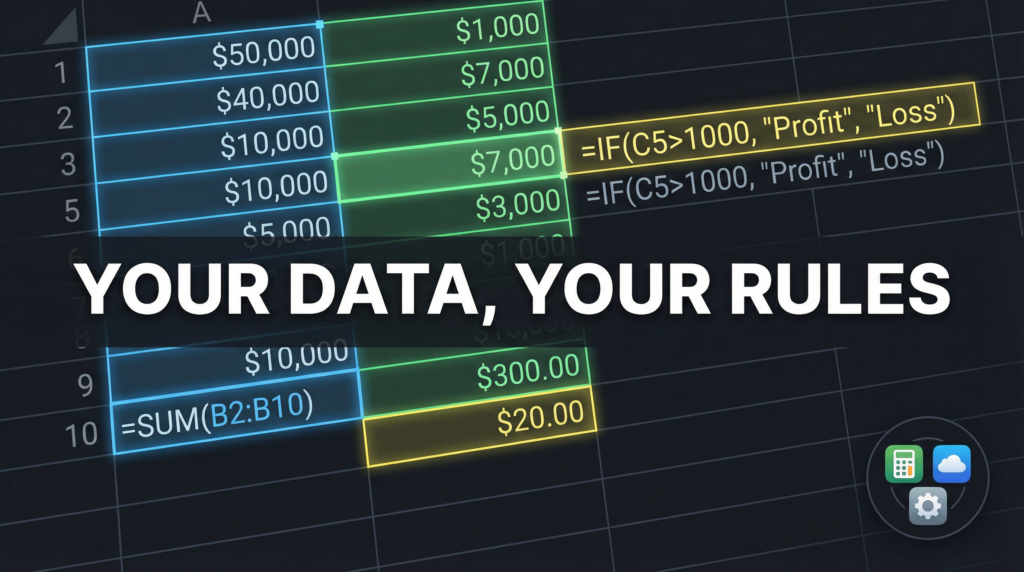
- Formulas do what you tell them. Want to see your average monthly spend on streaming services over the last six months, excluding the month you signed up for three trials? You can build that.
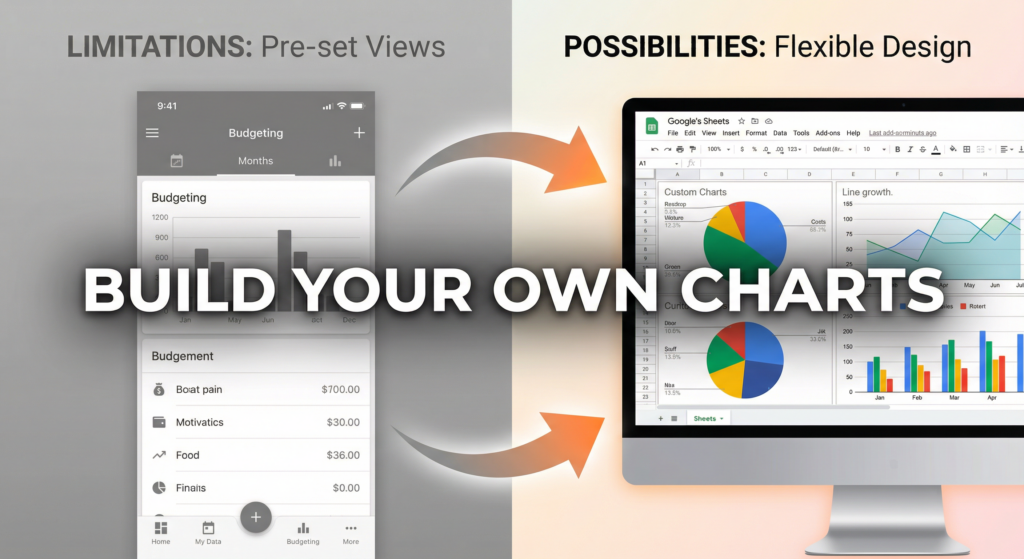
- The output matches your questions. Instead of hoping an app’s dashboard shows what you need, you build the exact visualization that answers your specific question.
How It Works
The core mechanism is simple: data goes in, formulas process it, charts visualize it.
But the real power comes from three capabilities that generic finance apps can’t match:
Customization at every level. You can create custom categories that make sense for your life. Someone tracking business expenses needs different buckets than someone optimizing for early retirement. Spreadsheets let both people build exactly what they need.
Automation that compounds. Once you set up a formula or a data import, it keeps working. Add conditional formatting to flag unusual transactions. Build running totals that update automatically. Create alerts when spending in a category exceeds a threshold. Each piece of automation reduces the friction of staying financially aware.
Integration with everything. Google Sheets connects to thousands of data sources through native integrations, APIs, and third-party tools. Your bank data can flow directly into your spreadsheet. Your investment accounts can update automatically. Your side business income can land in the same workbook as your personal spending.
The result is a finance system that reflects how you think about money, not how someone else thinks you should.
Why It Matters
Most people outgrow budgeting apps. The categories feel wrong. The charts don’t answer the right questions. The insights are either obvious or irrelevant.
Here’s the thing: generic tools are designed for the average user. If you’re reading this, you’re probably not the average user.
You want to know your actual burn rate, not a simplified “you spent this much” number. You want to track subscriptions in a way that catches the ones you forgot about. You want to see patterns that generic apps aren’t built to surface.
The problem with generic apps isn’t that they’re bad. It’s that they’re designed to be good enough for everyone, which means they’re not quite right for anyone who wants more than surface-level understanding.
When you use Google Sheets as your finance tool, you get:
- Real visibility. See your data the way you want to see it, not filtered through someone else’s assumptions.
- Compounding clarity. The better you understand your finances, the better questions you ask. The better questions you ask, the more useful your analysis becomes.
- Ownership. Your data stays yours. No app shutting down, no feature changes, no wondering if your information is being used in ways you didn’t agree to.
Common Misconceptions
“Spreadsheets are too complicated for finance tracking.”
They’re as complicated as you make them. You can start with a simple income-minus-expenses calculation and build from there. The complexity matches your needs, not the other way around.
“I’d have to manually enter everything.”
Not anymore. Automation tools can pull bank transactions directly into Google Sheets. The manual data entry problem has been solved for people willing to set up the connection.
“Apps give me better insights.”
Apps give you their insights. Whether those match what you actually need to know is a different question. Spreadsheets give you the ability to build the exact insight you’re looking for.
“It takes too much time to maintain.”
The upfront investment is real. Building your first system takes effort. But once it’s running, maintenance is minimal, especially with automation handling the data import. Most of the time “investment” is actually spent cleaning up messy CSV exports, which automation eliminates entirely.
Google Sheets Finance Tool: Approaches Compared
| Approach | Pros | Cons | Best For |
|---|---|---|---|
| Generic Budgeting Apps | Easy setup, mobile-friendly | Fixed categories, limited customization | People who want simple tracking |
| Manual Spreadsheets | Total control, no cost | Time-consuming data entry, hard to sustain | Short-term projects or simple finances |
| Spreadsheets + Automation | Flexibility plus sustainability | Initial setup required | People who want custom analysis without manual work |
| Professional Software | Advanced features, support | Expensive, steep learning curve | Businesses or high-net-worth individuals |
FAQs
Q: Can Google Sheets really replace my budgeting app? A: For many people, yes. Spreadsheets offer more flexibility than apps for custom tracking and analysis. The key is automating data import so you don’t get stuck with unsustainable manual entry.
Q: How do I get my bank data into Google Sheets automatically? A: Several services connect bank accounts to Google Sheets through secure APIs. Setup typically takes under an hour, and then transactions flow in automatically on a schedule you choose.
Q: What if I’m not great with spreadsheets? A: Start simple. A basic income and expense tracker requires only basic formulas. You can add complexity as you get comfortable. Most people with some spreadsheet experience can build useful finance tracking within a few hours.
Q: Is my financial data safe in Google Sheets? A: Google Sheets uses the same security infrastructure as other Google services. For most personal finance tracking, it offers adequate protection. If you have specific security requirements, review Google’s security documentation for your use case.
Q: How much time does it take to maintain? A: With automated data import, ongoing maintenance is minimal. Most users spend a few minutes per week reviewing transactions and occasionally updating categories or formulas. The upfront setup takes longer but pays off in reduced ongoing effort.
Q: What’s the difference between Google Sheets and Excel for finance tracking? A: Both work well. Google Sheets has better cloud collaboration and easier integration with web-based automation tools. Excel has more advanced formula capabilities and works offline. For personal finance with automated bank data, Google Sheets is often more practical.
Building Your Own Financial Clarity
For people who want real visibility into their finances without settling for generic dashboards, spreadsheet-based tracking provides the flexibility to build exactly what you need. The combination of customization and automation means you can create analysis that matches how you think about money, not how an app designer thinks you should.
ZentroData is one example of this approach, connecting bank data directly to Google Sheets so you can build custom charts and see where your money actually goes.