ZentroData

blog

automate personal finance tracking

How Do I Export Bank Data Without Downloading CSVs Every Month?

The alternative to downloading CSVs every month is automating the export entirely. ZentroData connects to your bank accounts and writes your transaction data directly into your own Google Sheets on a schedule you set, with no file downloads, no manual cleaning, and no merging required. When a sync runs, new transactions appear as rows in […]

How Do I Export Bank Data Without Downloading CSVs Every Month? Read More »
automate personal finance tracking

How Do I Get My Bank Transactions into Google Sheets Automatically?

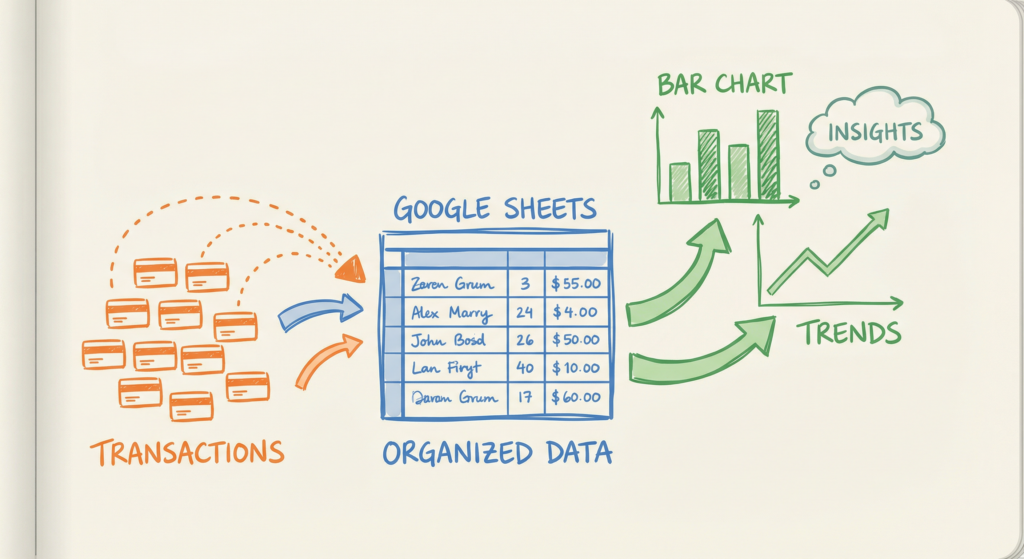
Getting bank transactions into Google Sheets automatically requires a service that connects to your bank, pulls your transaction data on a schedule, and writes it directly into a sheet you control. The process eliminates manual CSV exports entirely. When it works correctly, new transactions appear in your spreadsheet without any input from you, giving you

How Do I Get My Bank Transactions into Google Sheets Automatically? Read More »

all-in-one finance spreadsheet

How to Build an All-in-One Finance Spreadsheet That Tracks Income, Expenses, and Balances

An all-in-one finance spreadsheet is a single Google Sheets document that pulls your income, expenses, and account balances into one unified view, updated automatically from your bank data. It works by connecting your financial accounts to a data sync tool, which feeds real transactions into structured sheet tabs you can query, chart, and customize. The

How to Build an All-in-One Finance Spreadsheet That Tracks Income, Expenses, and Balances Read More »

google-sheets-from-bank-data

Google Sheets vs. Every Budgeting App: Why Raw Data Beats Algorithmic Guessing

Google Sheets wins when you want the same evidence a serious operator would demand: rows you can inspect, formulas you can challenge, and categories you define. Google Sheets vs budgeting apps is not a beauty contest between interfaces. It is a choice between keeping raw transactions under your control or accepting a vendor’s guesses about

Google Sheets vs. Every Budgeting App: Why Raw Data Beats Algorithmic Guessing Read More »

credit card spending google sheets

How To Track Credit Card Spending In Google Sheets In Under 1 Minute And Never Manually Export Transactions Again

The best way to track credit card spending in Google Sheets is to use automatic transaction sync that pulls your credit card data directly into your spreadsheet. Manual methods work, but they’re time-consuming and error-prone. When you automate the connection, you get detailed expense analysis without the monthly chore of exporting CSVs, cleaning data, and

How To Track Credit Card Spending In Google Sheets In Under 1 Minute And Never Manually Export Transactions Again Read More »

7 Mistakes People Make Tracking Finances in Google Sheets

7 Mistakes People Make Tracking Finances in Google Sheets (And Why Most Quit Within 90 Days)

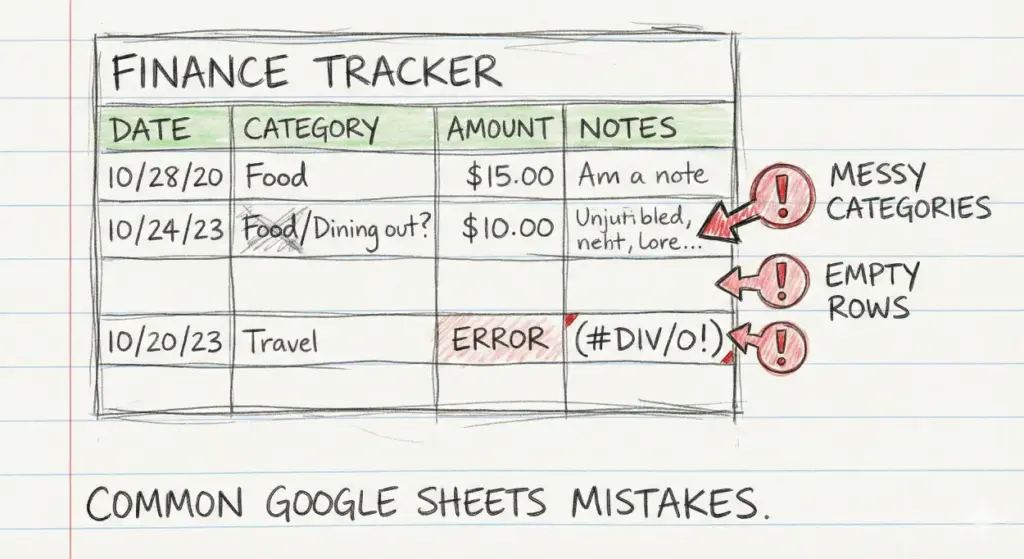
Tracking personal finances in Google Sheets is one of the most powerful things you can do with your money. It gives you complete control over your data, your categories, and your analysis. But most people who start a finance spreadsheet abandon it within three months. The problem is rarely the spreadsheet itself. It’s a handful

7 Mistakes People Make Tracking Finances in Google Sheets (And Why Most Quit Within 90 Days) Read More »

Automatically Sync Bank Transactions to Google Sheets

How to Automatically Sync Bank Transactions to Google Sheets with ZentroData

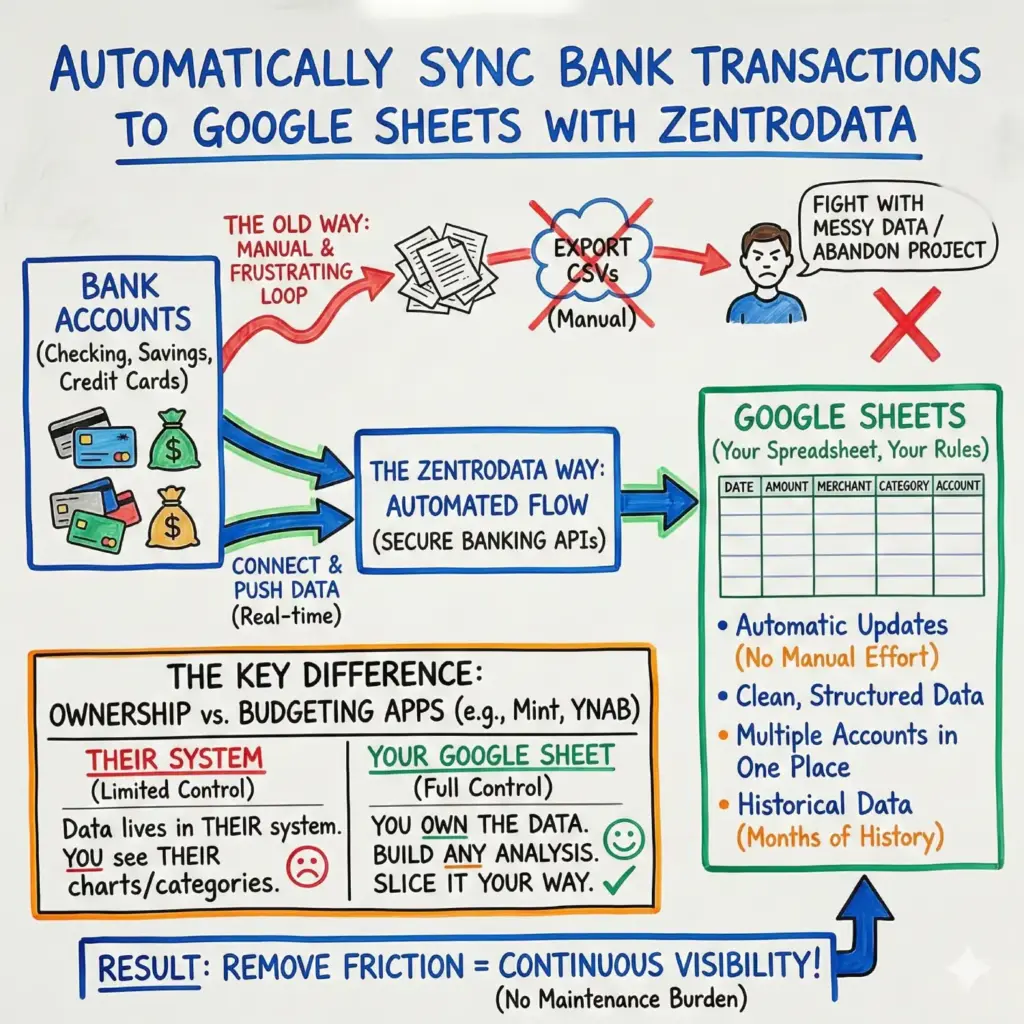
To sync bank transactions to Google Sheets automatically, you need a service that connects to your bank accounts and pushes transaction data directly into a spreadsheet you control. ZentroData is one tool that does this by linking your accounts through secure banking APIs and populating a Google Sheet with your transactions in real time. This

How to Automatically Sync Bank Transactions to Google Sheets with ZentroData Read More »